Cliosight Templates
Online Survey
Proficiency Level: Beginner / Cost: Free


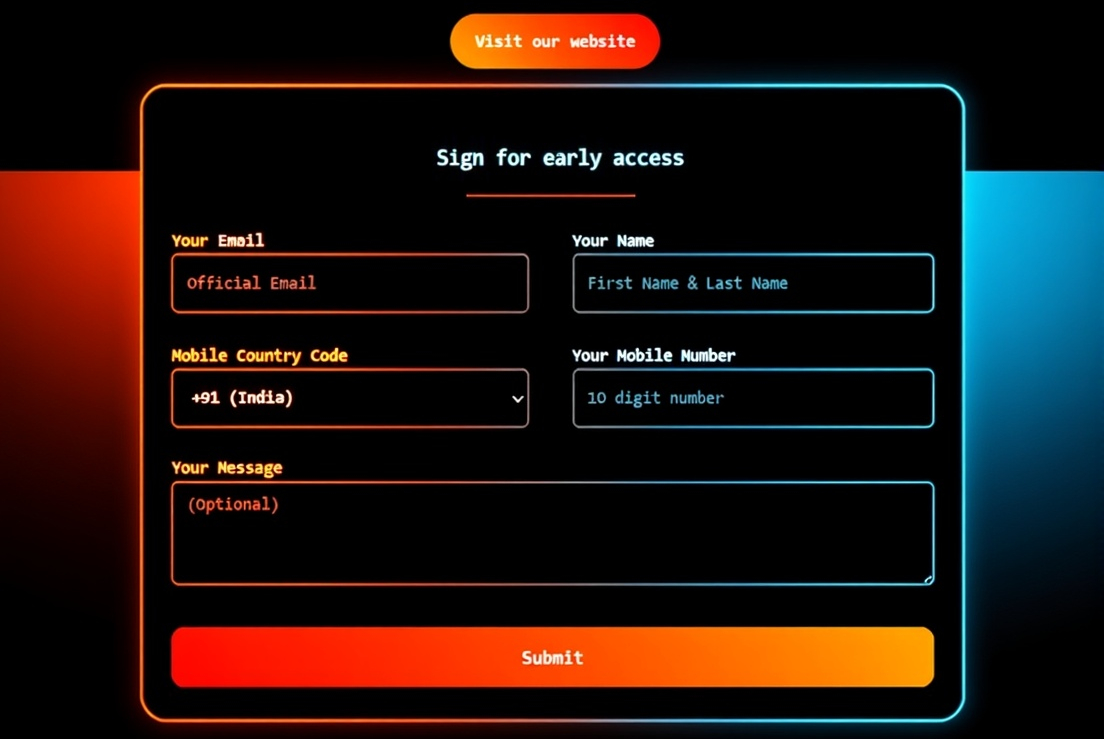
"Contact us" and "Survey" Forms
This template demonstrates the functionalities of a form and a report. A user can collect information from prospect clients to display insights using SQL queries. The results can also be exported to a CSV file.
This project introduces a user to a simple form, a complex form, basic reports with charts and a single-page application. While the "Contact us" form uses fewer tags, the online survey is much more elaborate, with tags that mimic programming constructs like conditional branching.
Forms are incredibly common in websites and apps that use a database. But programming it might not always be as simple as it sounds. For a busy web developer or a functional IT professional, such rudimentary UI components require a simpler programming mechanism.
Website or web application code can be downloaded from a free template or forked from an open-source project for individual hosting. But for fetching user inputs, the best way is to use Cliosight forms that can be easily embedded into an HTML. Using the relevant JSON tags, they can also be shared like a personalized online form with a header and a footer containing text, image and video.
Primary Features
- Multiselect input fields
- Form input link
- Dynamic addition of a new field
- File upload with validations
- Adding a form to a report column
- Hidden columns for metrics
- Users and groups
- Conditional branching
- Multiple instances of a subform
- Report row update through a form
- Report data export into CSV file
- "helper_input" field in a form
- HTML/CSS in Form, Report and SPA
- Project workspaces